
1. Pick a dance
Preview a two-person template, or upload a reference you are authorized to use. Select a clip where each dancer is easy to follow.
PHOTO-TO-MOTION FOR TWO
Turn two separate photos into a shared dance video. Choose a two-person scene, assign each dancer, and preview the credit cost before you create.
Try the generatorTwo people. Two photos. One dance.
CREATE A VIDEO FOR TWO
Choose a template or upload a two-dancer reference. Add one photo for each person, select the length, and check the quote. Use photos and reference footage you have permission to use.
An AI couple dance video uses two separate photos and a two-dancer reference to create a shared scene. Choose a Danceo template or upload an authorized reference, add one person per photo, and assign them to the left and right dancers. Select the output length and review the credit quote before generating. The reference guides the choreography while the photos guide appearance; the people do not have to film the dance together. This workflow supports two replacement dancers, not three or more. Results can vary, so review faces, movement, and audio before sharing.
WHAT THE TOOL DOES
Make two people dance together without recording a performance. The template provides the shared movement and scene, while the two photos identify the people who should take the dancers’ places. Your first photo maps to the dancer on the left at the beginning of the reference; your second maps to the dancer on the right.
Use two separate photos, each showing one person. A single photo containing both people is not supported by this workflow. The generator replaces two dancers; it cannot add a third subject. For a useful reference video, choose two clearly visible dancers who are not overlapping or hiding half of each other’s bodies.
PREPARE YOUR INPUTS
Upload two separate photos, one person per image. These practical checks make it easier for the model to distinguish the dancers and maintain their appearance.
| Check | What to provide |
|---|---|
| Both faces visible | Choose a clear, unobstructed full face in each photo. |
| No third person | Use one person in each photo, with no extra people in frame. |
| Similar light direction | Choose photos lit from a similar direction when possible. |
| Similar camera distance | Use photos with comparable framing and distance from the camera. |
| Simple backgrounds | Avoid clutter, overlapping bodies, and objects covering either person. |
FROM PHOTOS TO MOTION
Friends, partners, or family members can use photos taken in different places. Each needs a separate portrait and permission to use their likeness. The reference supplies the movement.
For a simpler first attempt, select a short clip where both dancers stay visible and the camera is steady. A busy scene, fast spins, or a handhold may produce less predictable details. You can also explore the solo workflow in our photo dance guide.
SHOWCASE
Preview two existing two-person templates to compare the scene, framing, and choreography. These are reference examples; your generated result will depend on your photos and chosen settings.
THREE SIMPLE STEPS
Preview a two-person template, or upload a reference you are authorized to use. Select a clip where each dancer is easy to follow.
Upload one clear photo per person. The first corresponds to the dancer on the left at the start; the second corresponds to the dancer on the right.
Select your output duration, review the credit quote, and sign in to generate. Check My Videos for progress and download the completed clip.
Turn separate portraits into a playful duet dance. Choose a reference with room for both subjects and check that the two identities stay recognizable.
Use a festive scene to make a short greeting for someone you know. Select a template that suits the occasion and check the preview before sending it.
Choose a vertical scene for a platform-friendly clip. Confirm you have permission for both likenesses, the footage, and any music before posting.
The generator displays a credit quote based on the selected reference and output length before you start. Shorter clips generally require fewer credits. You can compare lengths before committing, and reserved credits are restored if a render fails. See current plans on the pricing page.
Choose a two-dancer template or upload an authorized reference, then add one separate photo for each person. Assign the photos to the left and right dancers, choose a length, and review the cost before generating.
Yes. Upload one photo of each person in the separate left and right photo slots. The two people do not need to be photographed together.
No. This generator supports exactly two replacement dancers, with one separate photo for each. It does not support three or more people.
Choose clear, well-lit photos showing each person’s full face and upper body. Use one person per photo, avoid obstructions, and choose similar lighting and camera distance when possible.
Use two separate photos, one per dancer. The people do not need to be standing next to each other or be in the same place; the selected reference supplies their shared scene.
You can preview templates for free. Generation uses credits; available promotional credits depend on current offers and your account. Check the quote and your balance before creating.
Yes. You can upload an eligible movement video you have permission to use. Choose a reference with two visible dancers and check the selected duration and credit quote.
Can I Ride is a specific synchronized hand-dance trend with its own fixed template. This generator offers multiple two-dancer templates and accepts an authorized reference video. Explore the Can I Ride dance.
Previewing the templates is free. Generating a video costs credits, and any signup offer can change. Sign in to check your balance and the quote for your selected video before starting.
Open Danceo in a mobile browser, choose your two photos and a template, and review the quote. You can return to My Videos to see the result when it is ready. A stable connection helps with uploads.
Explore AI dance trends or open the homepage generator to choose solo or duo dance.
Find your next dance to make your own.
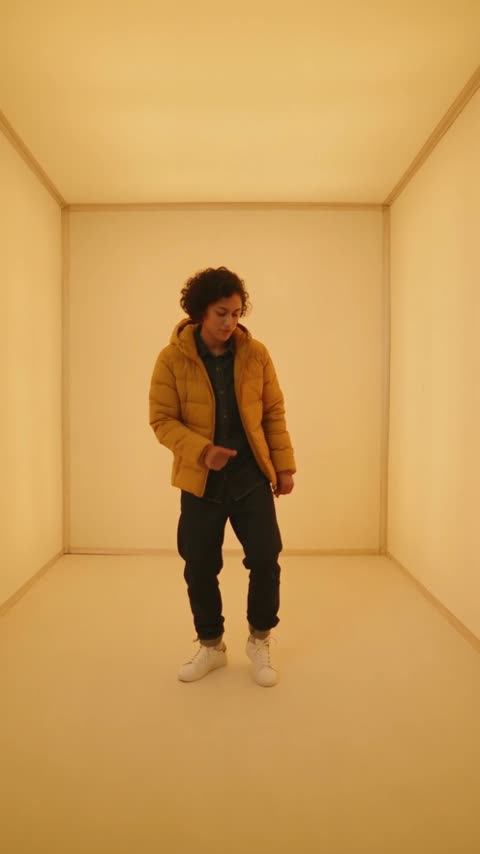
One photo
Put your photo into the iconic Hotline Bling dance.
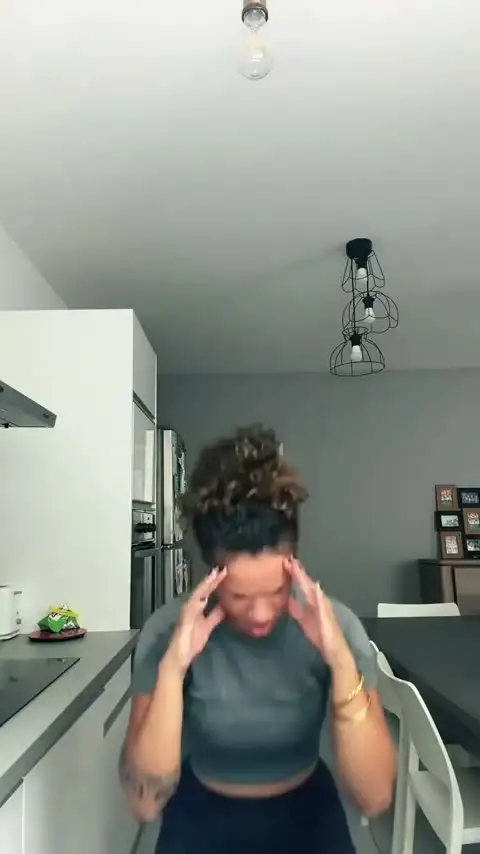
One photo
Turn one photo into a dramatic Bad Times video with the trend’s signature gestures and audio.
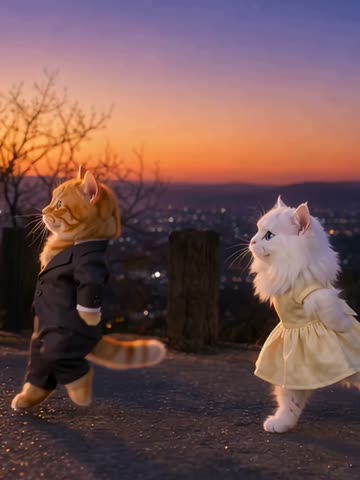
One or two photos
Step into a cinematic solo or two-person dance inspired by La La Land.
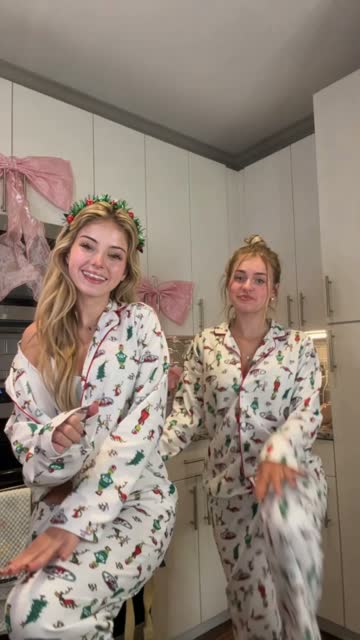
One or two photos
Join two Santas or dance with a friend in a festive holiday video.
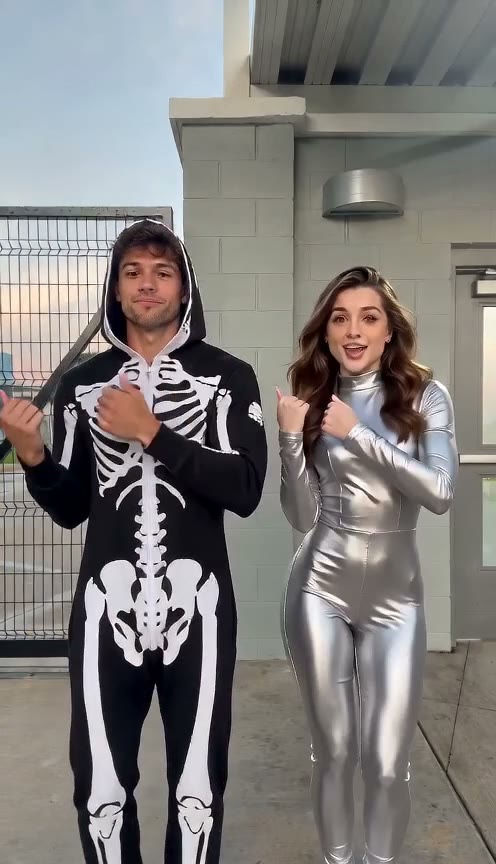
Two photos
Bring two people into the viral synchronized hand dance, from its deadpan opening to its playful finish.

One dog photo
Choose a dog photo and a dance reference to make a playful video.
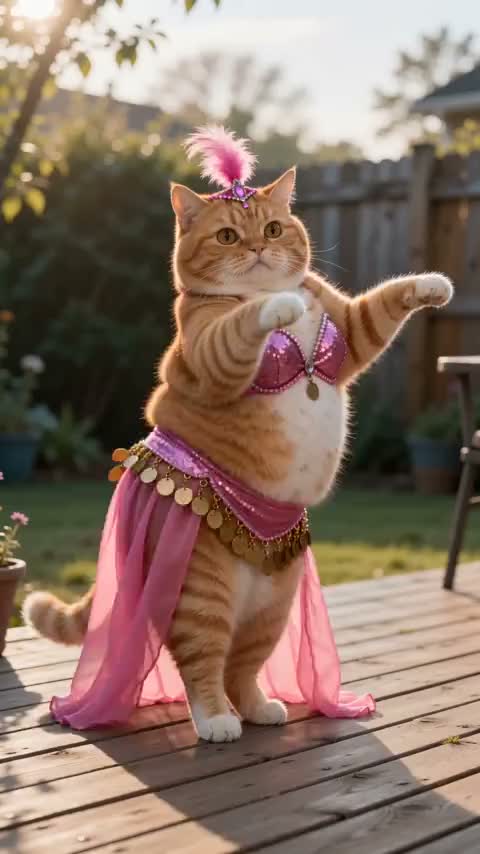
One to three cat photos
Bring one, two, or three cats into a dance with a photo of each.
DANCE PREVIEW
1 Choose a dance template
Select a template to preview the dance.
2 Upload two photos
Left dancer
Right dancer
3Optional Choose an output length
Uses the reference length, up to 30s15s
1,200 credits
15s used + 15s output. Credits are restored if the render fails.
Use photos you have permission to use.