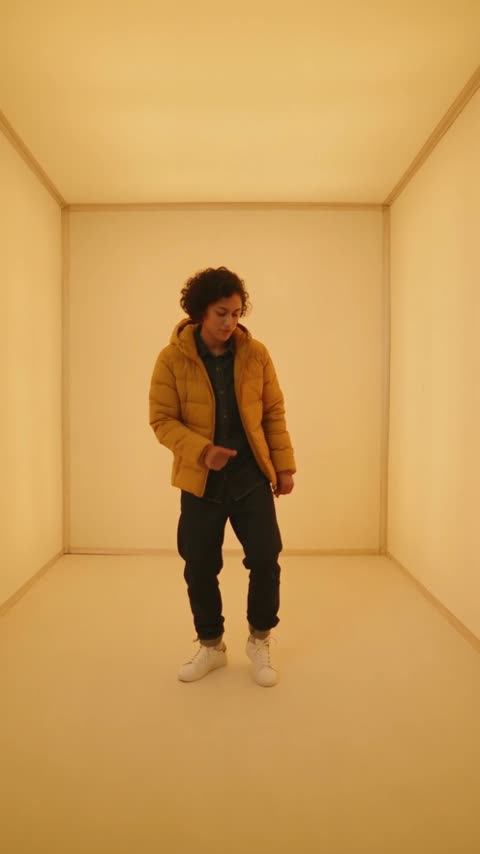
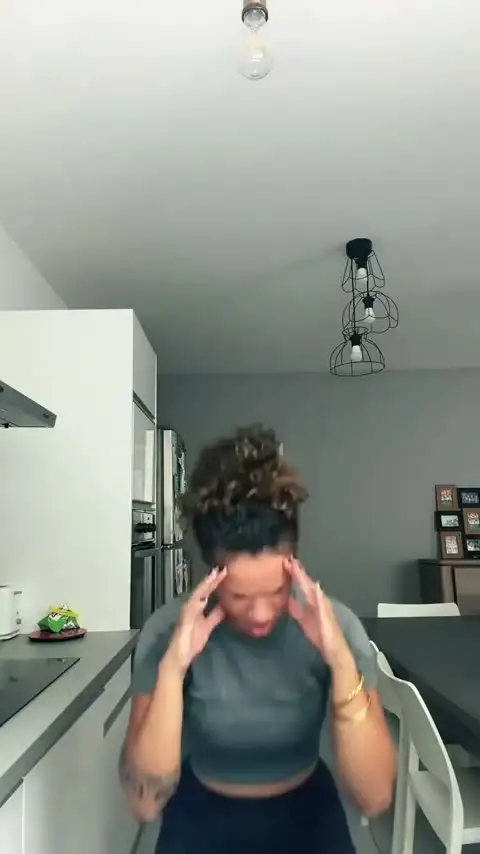
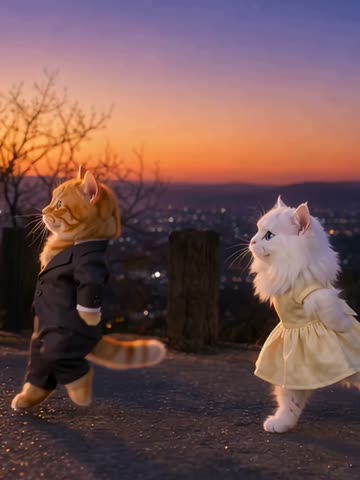
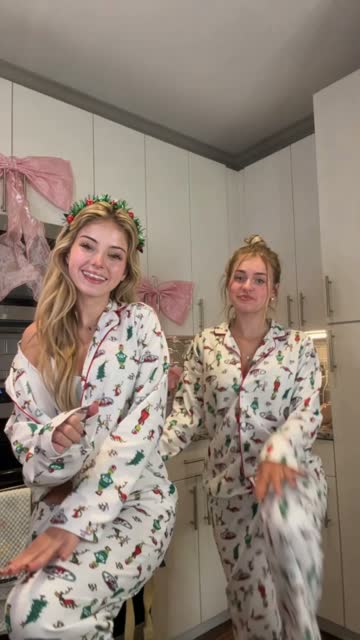
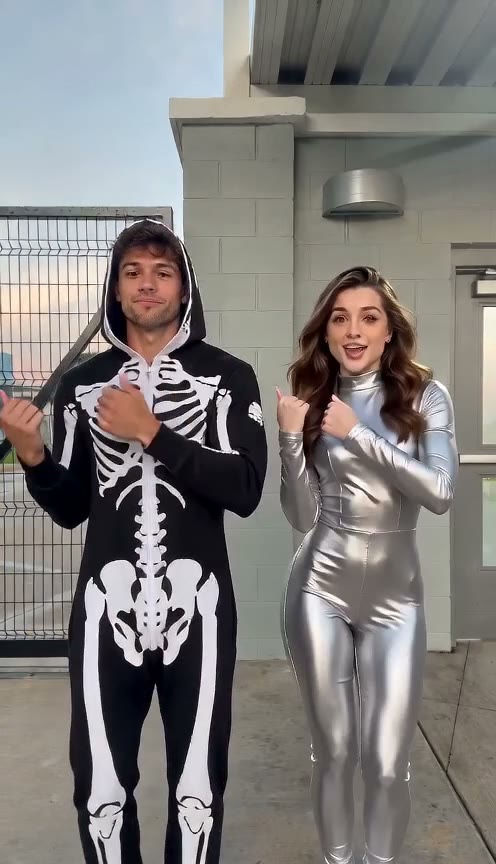
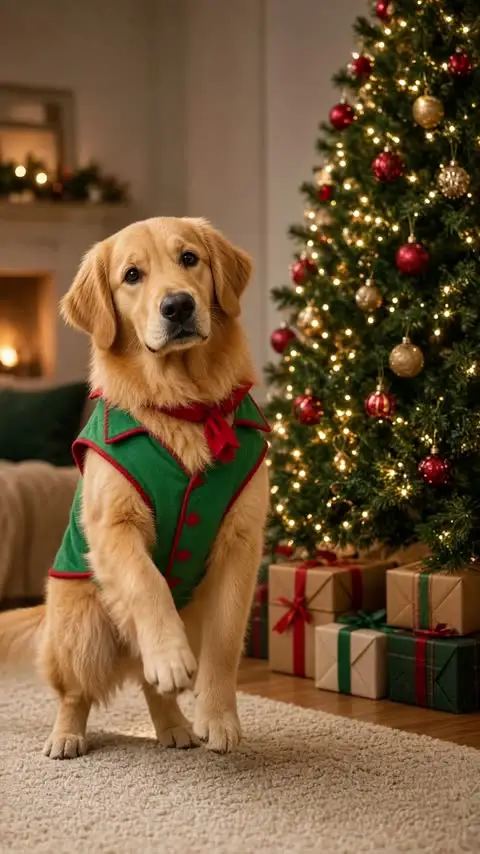
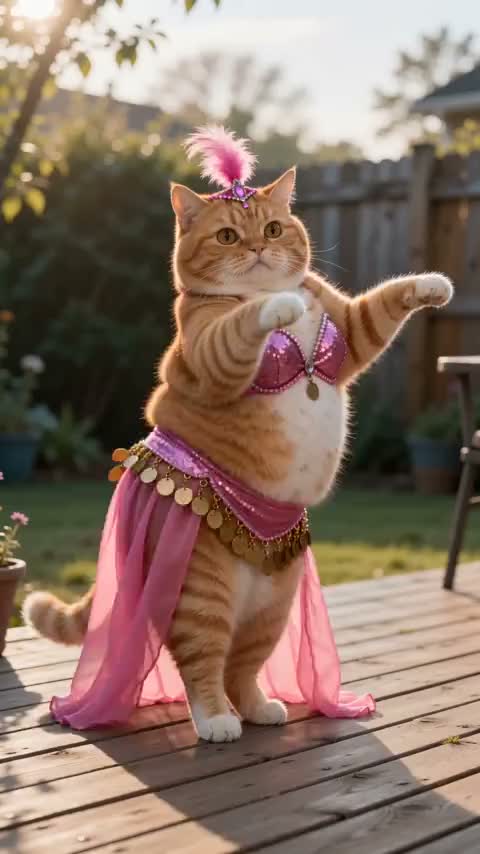
YOUR PHOTO · A FESTIVE DANCE
Christmas Dance Video Generator – Dance With Two Santas
Turn your favorite photos into a festive dance in 720p. Dance between two Santas or share the spotlight with a friend—just choose a template and add your photos. The dance moves and music are ready to go, with no filming or choreography needed.
Make your Christmas videoOne or two photos · 10 seconds · 720p
DANCE PREVIEW
1 Choose a Christmas dance
Select a template to preview the dance.
One dancer + two Santas
Two dancers
2 Upload a photo
800 credits
10 seconds · 720p · Original template audio. Credits are restored if the render fails.
Use photos you have permission to use.
Generate your danceThe short answer
An AI Christmas dance is a festive video made from your photos and a ready-made dance template. On Danceo, choose a solo scene to place one subject between two dancing Santas, or choose a two-person scene and upload a separate photo for each dancer. The template supplies the setting, choreography, and original audio, so there is no need to film or learn the moves yourself. Each generated clip lasts 10 seconds at 720p. Preview the examples to choose the scene you like, then review the credit cost and start your video. You can return to My Videos to check it later. Clear, well-lit photos help the subjects remain recognizable, though results can vary; check your rights to the images and music before sharing.
What's new on this page
- Preview festive solo and two-person templates with their original audio.
- The generator shows the photos required for the selected template.
Tips
- Use a clear, well-lit photo for each dancer.
- Preview the template and check your rights to the photos and audio before sharing.
What is an AI Christmas dance?
An AI Christmas dance is a short holiday video created from a photo and a dance reference. Instead of filming yourself performing the moves, you choose a festive template and provide a clear photo of the subject you want to feature. AI uses the image as an identity reference while following the movement in the selected video.
On Danceo, you can choose between two kinds of Christmas dance templates. The first puts one subject in the center of a scene with two dancing Santas. The second features two dancers, using a separate photo for each one. Each template has its own choreography and setting, so you can preview the options before deciding which one fits your idea.
The result is a 10-second video at 720p with the original template audio. It can be a playful holiday greeting, a personalized Christmas card, or a short clip to share with friends. Results can vary depending on the photos and template you choose.
Choose your Christmas dance template
Every template gives you a different starting point for your AI Christmas dance video. Preview the movement and setting, then choose a solo scene with two Santas or a two-person dance for you and a friend.
Santa dance: Dance with two Santas
Add one photo for the central dancer. The two Santa characters remain part of the reference scene while the AI creates a version featuring your chosen subject. This is a simple option for an individual greeting or a festive profile post.
Make a two-person Christmas dance
Choose a two-dancer template and upload two separate photos. The first photo is used for the dancer on the left and the second for the dancer on the right. Try it with a friend, partner, family member, or another person whose photo you have permission to use.
How to make an AI Christmas dance video
- 1. Choose a festive dance. Browse the templates and select a scene you like. Preview the choreography, background, and music. Santa templates require one photo; two-dancer templates require two.
- 2. Upload one or two clear photos. Add a photo for each dancer requested by the template. For a two-person scene, upload the left dancer’s photo first and the right dancer’s photo second.
- 3. Generate, preview, and download. Sign in and start your video. Each generation costs 800 credits, which are restored if the render fails. Preview and download the finished clip, or check its status later in My Videos.
How to choose photos for your Christmas dance
Your photo helps the model identify the person or subject who should appear in the video. Start with a clear, well-lit image where the subject is easy to distinguish from the background. Avoid heavy blur, very dark lighting, or objects that cover important facial features.
For two-person templates, use a separate photo for each dancer. Choose pictures where each intended subject is clear, and check that you have assigned them to the correct left and right positions. If an image contains several people, it may be less obvious which person should be used as the reference.
Different poses, lighting conditions, and photo quality can affect the result. If a generated dancer does not look as expected, try a clearer photo or a different image of the same subject. Always use photos you own or have permission to use.
Ideas for your AI Christmas dance video
Turn a favorite photo into a festive moment to share with the people in your life.
Send a holiday greeting
Put yourself in a festive scene and send the finished clip to friends or family with a short seasonal message. A dance with two Santas can make a lighthearted alternative to a traditional photo greeting.
Make a video with a friend
Pick a two-person template and add a photo of each dancer. You do not have to be in the same place or learn the moves together; the selected template supplies the choreography.
Create a personalized Christmas card
Use a dance clip as part of a digital greeting for a group chat, email, or holiday message. Preview the result before sharing to make sure the subjects and scene look the way you intended.
Share a seasonal post
A short vertical clip can work for a holiday-themed social post. Review the rules and music requirements of the platform where you plan to publish, since generating a video does not automatically grant every possible music or publishing right.
What to expect from the finished video
Danceo’s Christmas templates currently generate a 10-second, 720pvideo. The selected reference guides the scene and dance, and the finished video combines the generated picture with the template’s original audio.
AI generation is not a frame-by-frame copy. A subject’s appearance, clothing, movement, or details in the scene may vary between results. The quality and pose of the uploaded photos can also influence how recognizable each dancer looks.
Generation can take several minutes. You can stay on the page to preview the result or return to My Videos later. If generation fails, the credits charged for the task are restored. Once the clip is ready, download it and review it before sharing.
Questions, answered
What is an AI Christmas dance video?
It is a festive video generated from one or two photos and a dance template. The template supplies the scene and movement, while the uploaded photos identify the subjects who should appear as dancers.
How many photos do I need?
Santa templates need one photo for the central dancer. Two-person templates need two separate photos: one for the dancer on the left and one for the dancer on the right.
Does the video include music?
Yes. The finished video combines the generated visuals with the selected template’s original audio. Check the music and sharing rules of the platform where you intend to post.
How long is the video, and how much does it cost?
Each video is 10 seconds long, generated at 720p, and costs 800 credits. Credits are restored if the render fails.
Can I leave while the video is generating?
Yes. You can return to My Videos to check the task and access the finished video when it is ready.
What kind of photo should I use?
Choose a clear, well-lit photo where the intended subject is easy to identify. Use a separate photo for each dancer and make sure you have permission to use every image.
Looking for another workflow? Make two people dance together with separate photos and a two-dancer template.