YOUR PHOTOS · A CINEMATIC DANCE
La La Land Dance Scene Video Generator
Step into a cinematic dance inspired by La La Land. Pick a solo or two-dancer scene, add your photos, and create a short video with the template’s music.
Make your dance videoOne or two photos · 6 or 12 seconds · 720p
DANCE PREVIEW
1 Choose a dance template
Select a template to preview the dance.
Two dancers
One dancer
2 Upload two photos
960 credits
12 seconds · 720p · Original template audio. Credits are restored if the render fails.
Use photos you have permission to use.
Generate your danceThe short answer
The La La Land AI dance is a photo-based video inspired by the romantic dancing and cinematic atmosphere of the film. On Danceo, choose a solo scene or a two-dancer template and add one clear photo for each subject. The solo option creates a 6-second video; the duet options create 12-second videos, all at 720p with the selected template audio. For a duet, the first photo corresponds to the dancer on the left at the start and the second to the dancer on the right. You can try people or pets, preview the examples before choosing, and check the credit cost before generating. The finished scene is an AI interpretation, so appearance and movement may vary. This independent tool is not affiliated with or endorsed by the film’s creators.
What's new on this page
- Explore solo and two-dancer scenes with template audio; solo videos are 6 seconds and duets are 12 seconds.
- The page includes examples with people and pets and guidance for assigning each dancer.
Tips
- Use a clear, well-lit photo for each subject.
- For a duet, assign the first photo to the dancer on the left and the second to the dancer on the right at the start.
What is the La La Land AI dance?
The La La Land AI dance is a video template trend inspired by the film’s romantic dancing and cinematic scenery. The familiar idea is simple: add photos of yourself and someone else to a dance scene, then let AI create a new version featuring your chosen subjects.
On Danceo, you can choose a two-dancer scene or try a solo performance. The templates supply the movement, setting and audio; you supply the photos. The examples are interpretations of the trend, and generated results can vary with the template and photo quality.
La La Land is a film title; this independent tool is not affiliated with or endorsed by the film’s creators.
The La La Land dance scene, reimagined
The film’s romantic dance scenes have inspired many creative interpretations. To make your own, choose a solo template with one photo for a 6-second video, or a two-dancer template with a separate photo for each subject for a 12-second video.
Explore La La Land dance templates
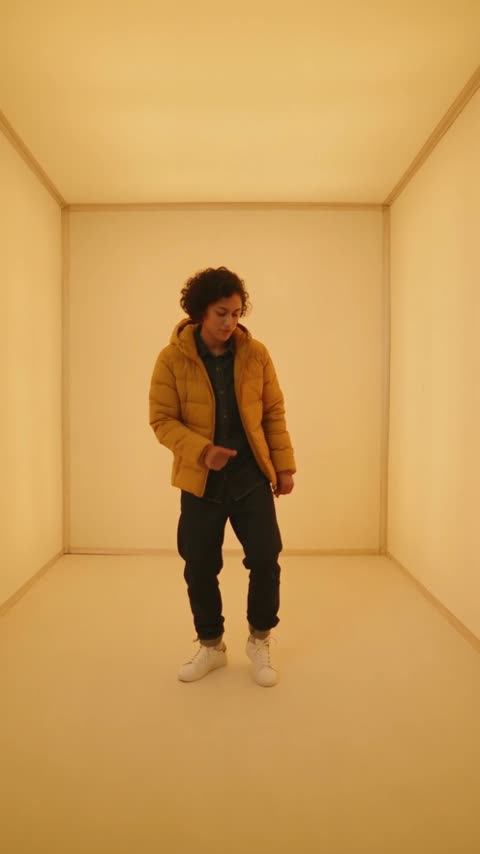
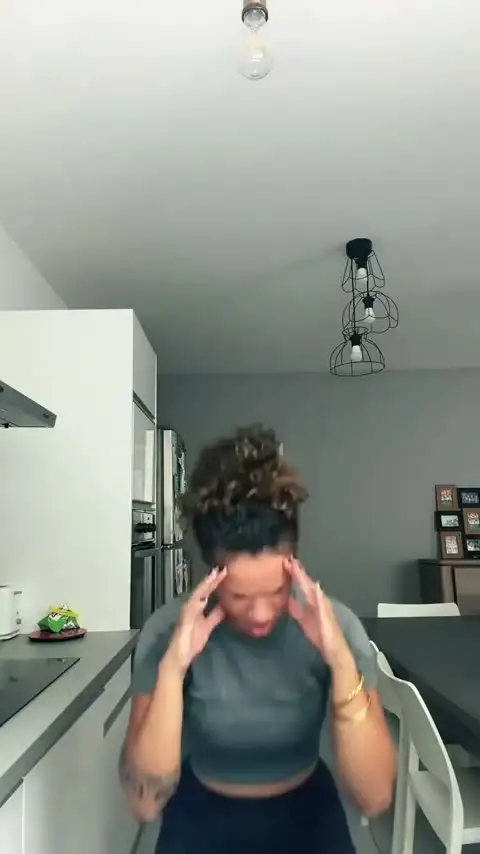
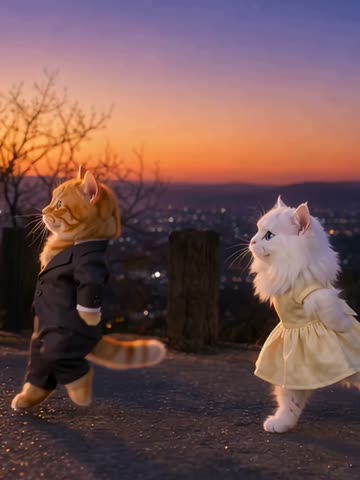
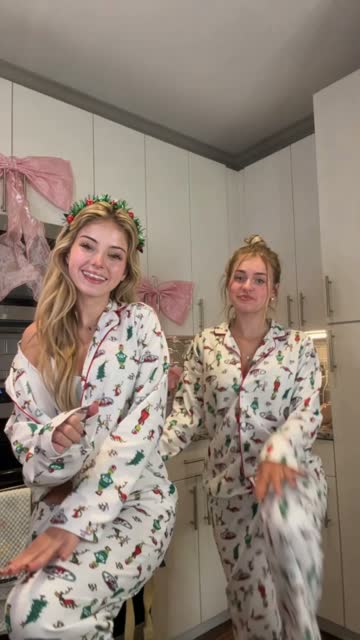
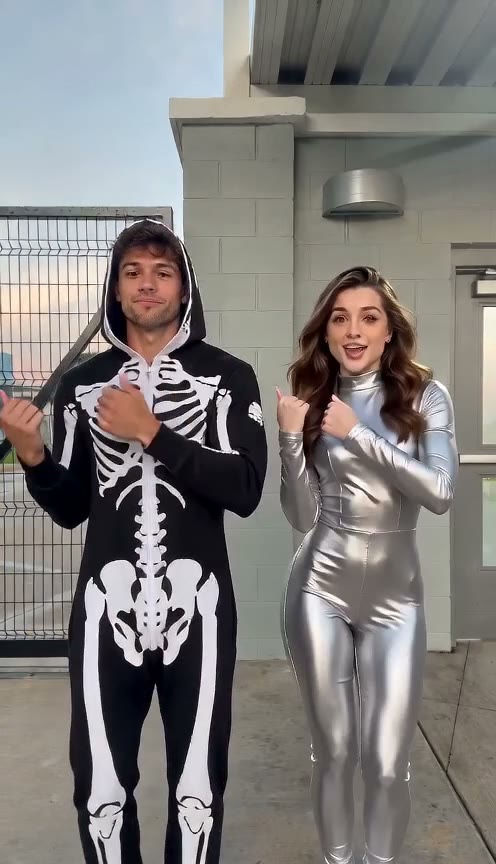
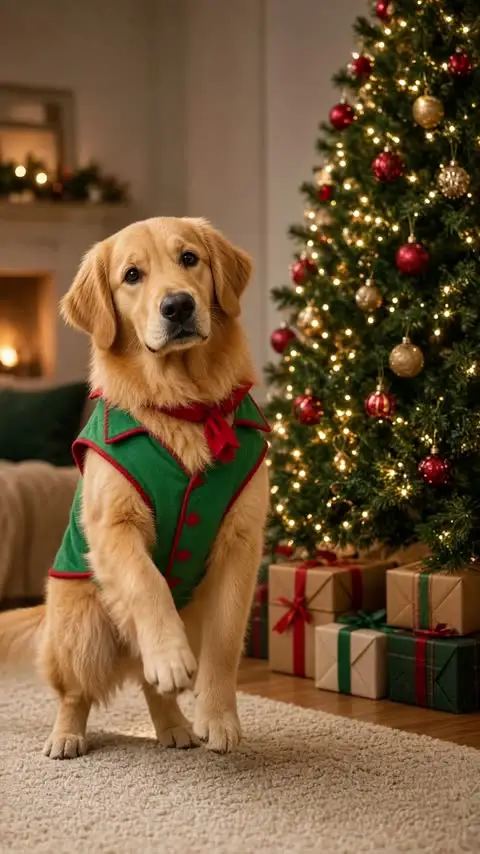
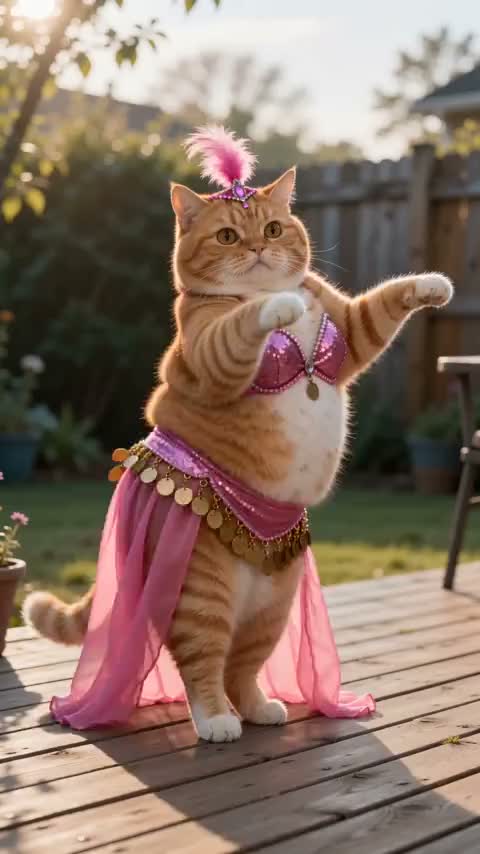
Preview the choreography and choose a scene for one dancer or two. Two-person examples include playful pet interpretations.
For a two-dancer template, assign one photo to the dancer on the left and another to the dancer on the right at the start. Choose separate portraits so each subject has a position in the scene.
How to make your La La Land AI dance video
- 1. Pick a scene. Preview the dances and choose a solo or two-dancer template.
- 2. Add photos. Upload one clear photo for each dancer. For a duet, the first photo represents the dancer on the left at the start and the second the dancer on the right.
- 3. Generate and download. Sign in, review the credit cost and start your video. Preview and download it when ready, or check My Videos later.
What the La La Land dance scene looks like
In the film’s well-known hillside dance, two characters move against a twilight view of Los Angeles. The wide framing keeps both dancers visible as they trade steps, with the skyline and changing evening light giving the scene its recognizable atmosphere. Their playful back-and-forth makes the duet easy to reinterpret.
A two-dancer template borrows that conversational feeling: each subject has a place in the frame and the movement brings them together. You might try two people, two cats, or another pair of subjects. Upload a separate clear photo for each one and preview the template first; the generated scene is a creative interpretation, not footage from the film.
La La Land dance template vs your own reference clip
A template is the quicker starting point when you like the example’s choreography and setting. Pick a solo or duet scene, add one photo per dancer, and the template supplies the movement and audio. The solo option lasts 6 seconds; duet options last 12 seconds.
If you want a different dance, the photo dance workflow lets you use your own authorized reference clip with a portrait. This gives you more control over the movement, while requiring you to find or create a suitable clip. Check that you have permission to use the photos, footage, and audio, and review the result before sharing.
Choose photos for your dance
Use clear, well-lit photos where each person or pet is easy to distinguish. A separate photo for each dancer gives the model a clearer reference for their appearance.
The AI follows the selected template, but movement, clothing, identity and scene details can vary. If the first result is not what you expected, try a clearer image or a different pose. Use only photos you have permission to use.
Questions, answered
What is a La La Land AI dance?
It is an AI video trend inspired by the romantic dance scenes and cinematic atmosphere of La La Land. Choose a solo or two-dancer template and add a separate photo for each subject.
How many photos do I need?
The solo template needs one photo. The two-dancer templates need two separate photos: one for the dancer on the left at the start and one for the dancer on the right.
How long is the video and what does it cost?
The solo template creates a 6-second video for 480 credits. The two-dancer templates create 12-second videos for 960 credits. Both generate at 720p, and credits are restored if the render fails.
Does the video include music?
Yes. The finished video combines the generated visuals with the selected template audio. Check the music and sharing rules of the platform where you post.
Can I use pet photos?
You can try photos of pets as well as people. Choose clear pictures of each subject; appearance and movement can vary in the result.
Can I return to my video later?
Yes. Your task continues in the background, and you can check its status and download the finished video from My Videos.
Looking for another workflow? You can make two people dance together with separate photos and a two-dancer template.